Startech
Plugable USB-A and C 3.2 Gen 2 M.2 NVMe Tool-Free Enclosure
Plugable USB-A and C 3.2 Gen 2 M.2 NVMe Tool-Free Enclosure
SKU:43107
In stock
Couldn't load pickup availability
The Plugable USB-A and C 3.2 Gen 2 M.2 NVMe Tool-Free Enclosure allows you to backup and save files at read and write speeds up to 900 MB/s via USB-A or C 3.2 Gen 2 and compatible Thunderbolt 3 interfaces. The enclosure's tool-free design allows for quick installation of an M.2 NVMe SSD in just a couple of seconds. Simply remove the aluminum cover using the locking latch at the back of the enclosure, then insert the SSD and secure with the flexible SSD retention peg, then reinstall the cover. The SSD retention peg can be moved to support multiple M.2 NVMe SSD form factors including 2230, 2242, 2260, and 2280.
Please note, performance may be limited based on the file system, source data files when copying files, and system specifications. Furthermore, NVMe SSDs removed from computers or formatted on one system may have OS-specific file systems that are not recognized by either Windows or macOS. The exFat file system is recommended for working with both Windows and macOS computers.
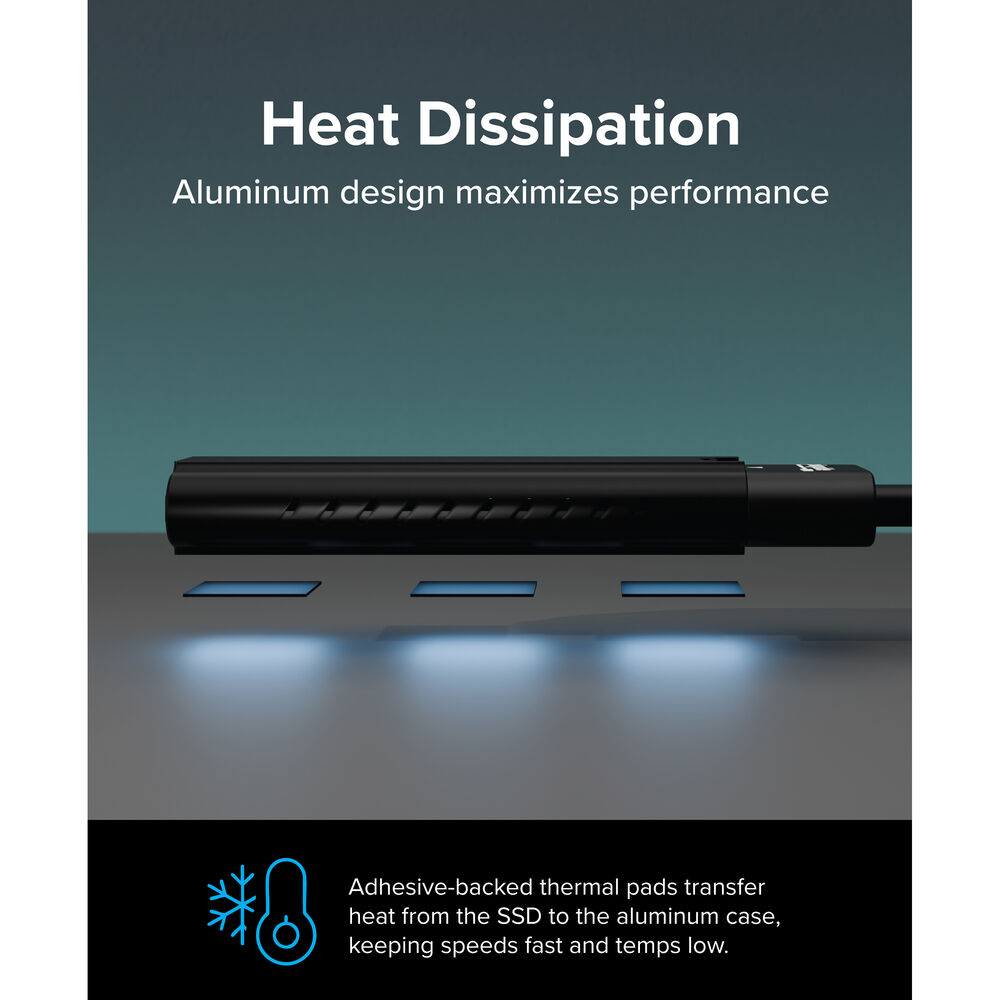
Modern NVMe SSDs include built-in thermal protection and will slow down performance if they begin to get too hot. Under heavy loads the enclosure can become hot to the touch. This drive enclosure has undergone extended testing in a room temperature environment allowing for the enclosure to passively dissipate heat, with samples not exceeding temperatures above 122°F or 50°C.
Share